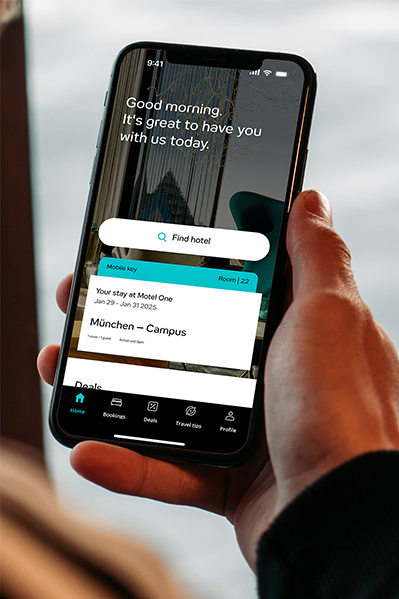
With beOne, you can easily check in online, wherever you are. No waiting, no stress.
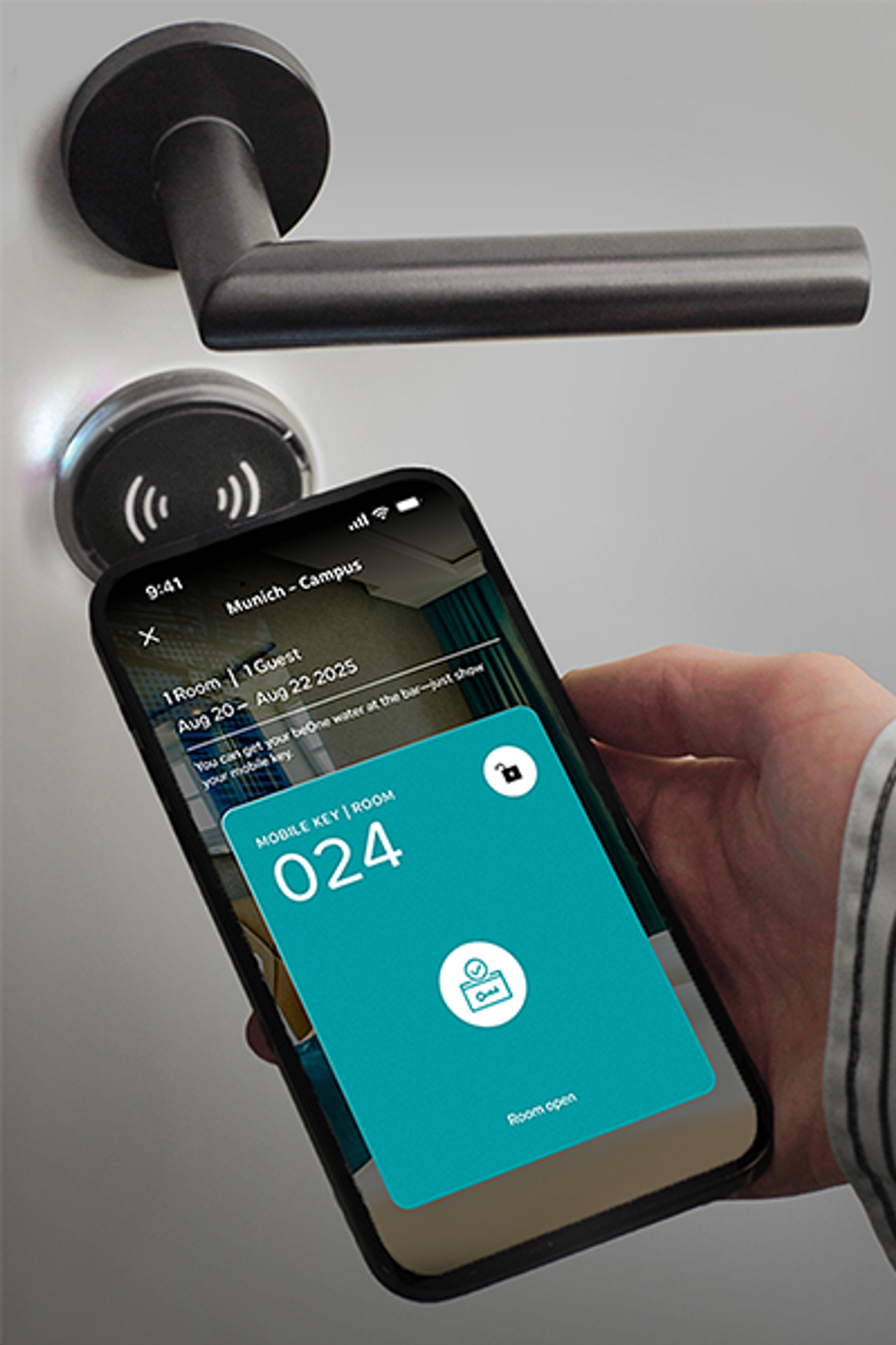
And when you arrive? Your smartphone will unlock your room door for you – with the Mobile Key.
Find out here how you, as a beOne member, can use Quick Check-in and the Mobile Key.
How Quick Check-in works
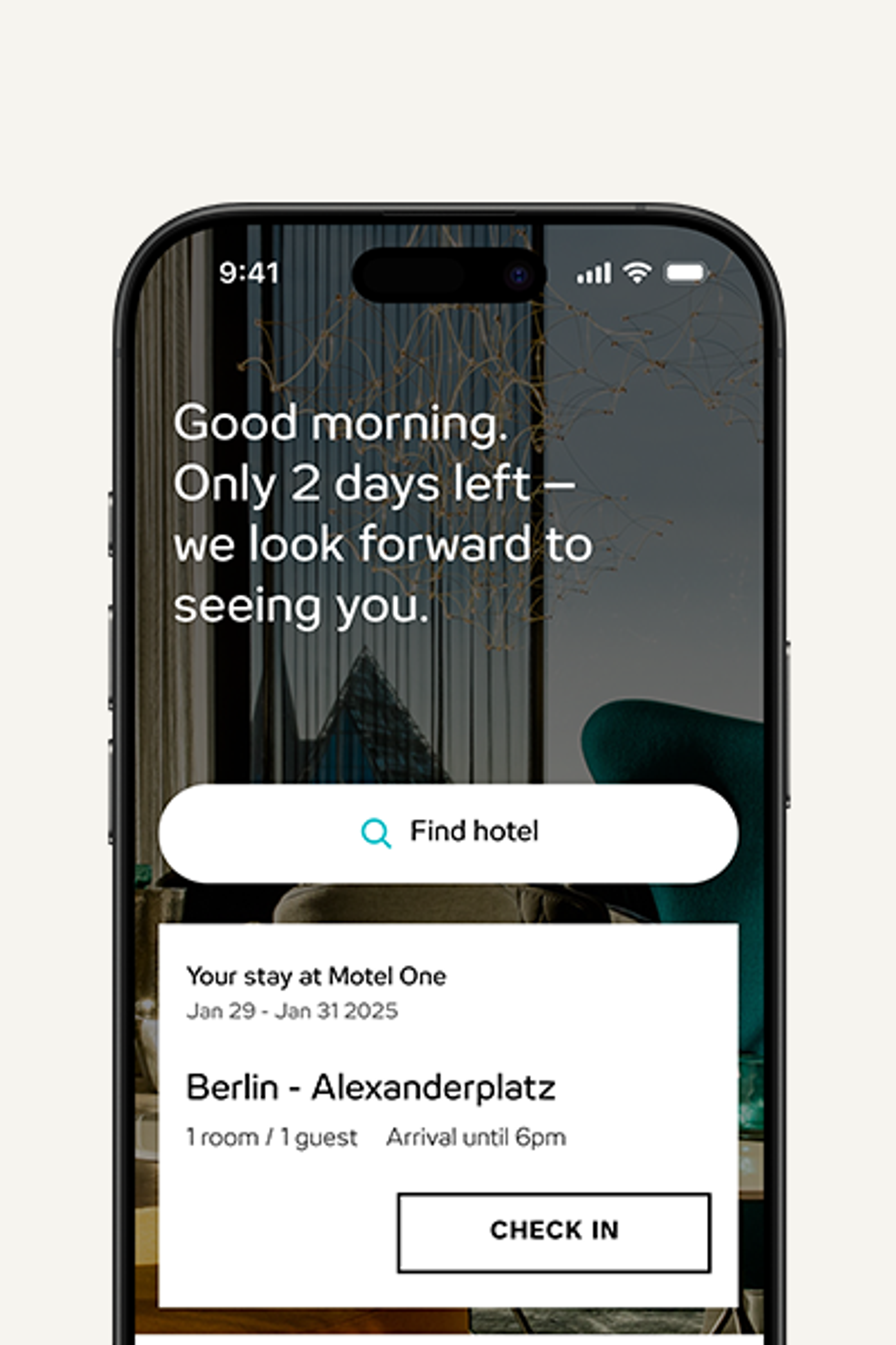
1) Start Quick Check-in
Two days before your arrival, you’ll receive an email or push notification and can check in online.
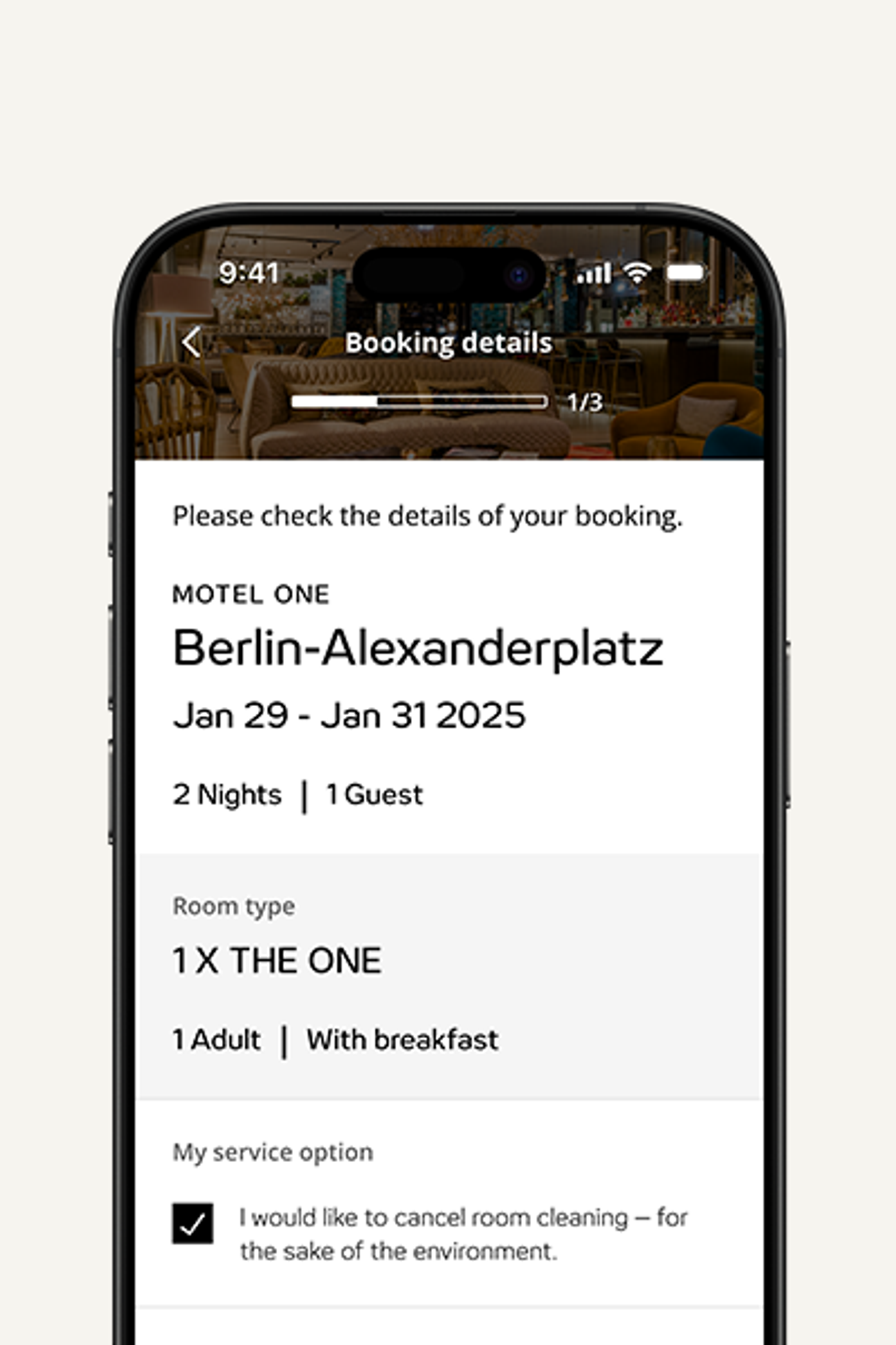
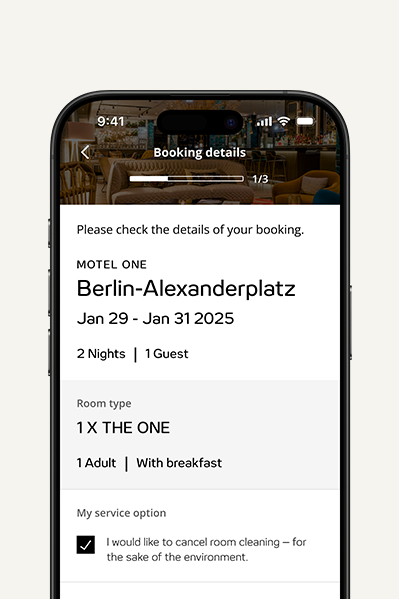
2) Check the booking
Check the details of your booking.
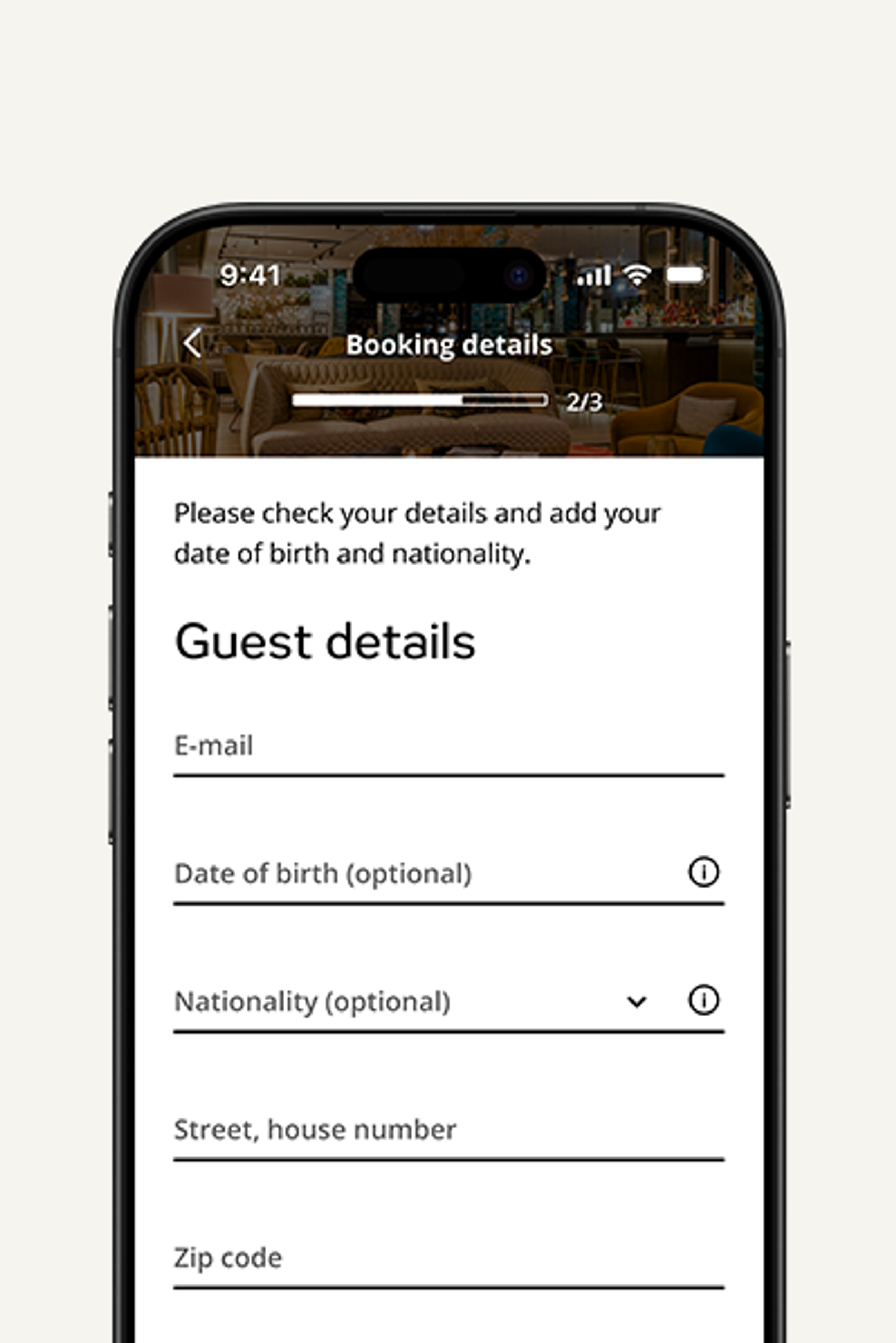
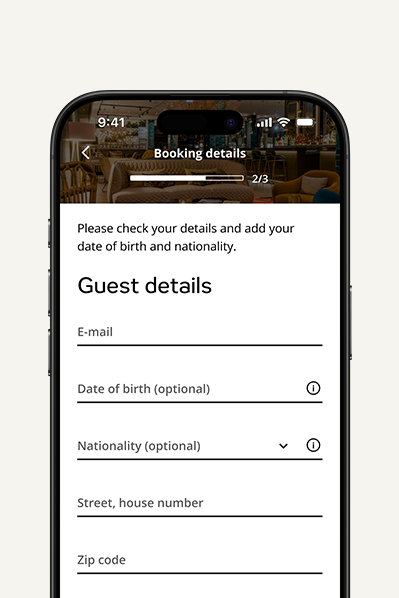
3) Check the data
Check and add any missing information about the guests.
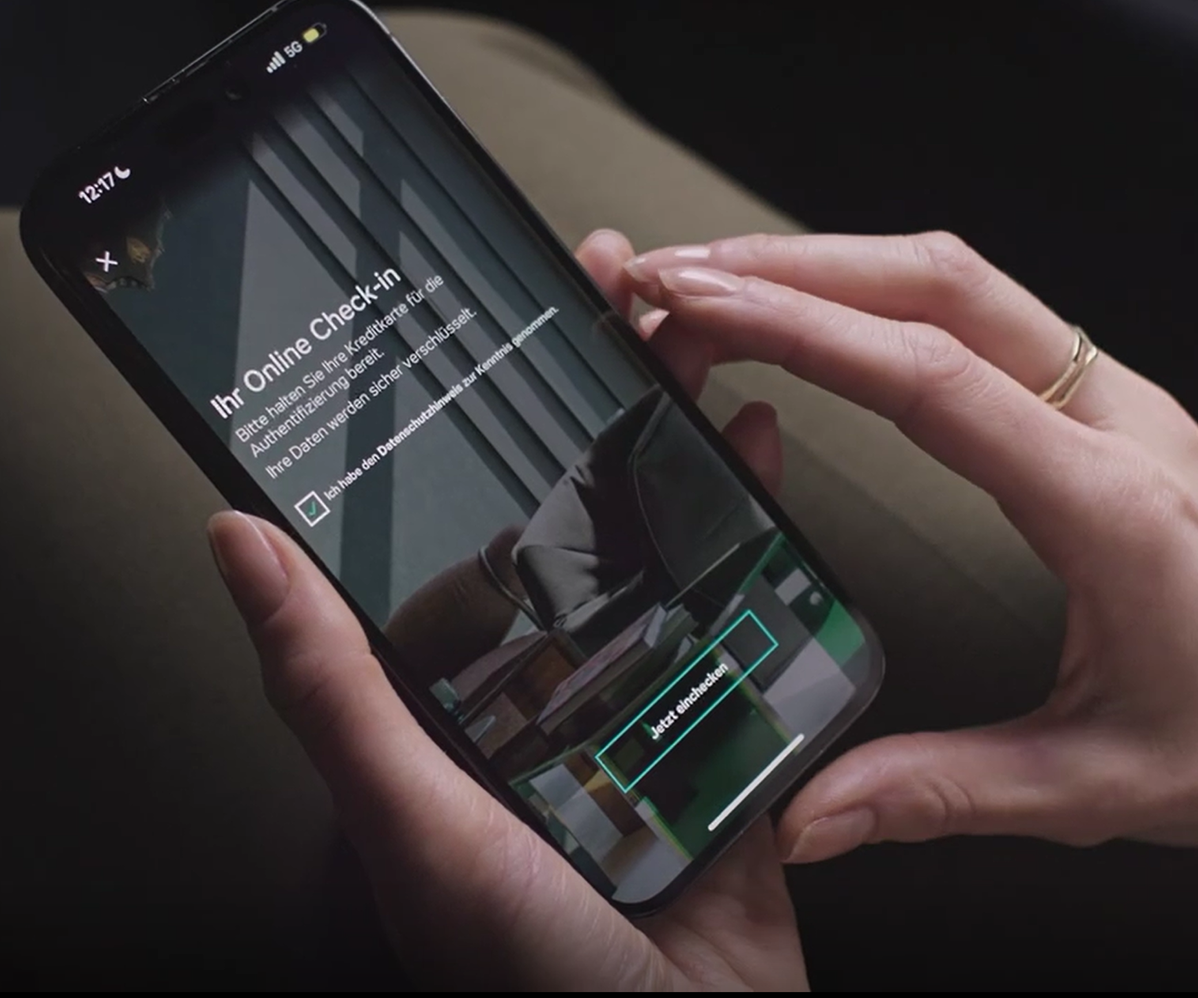
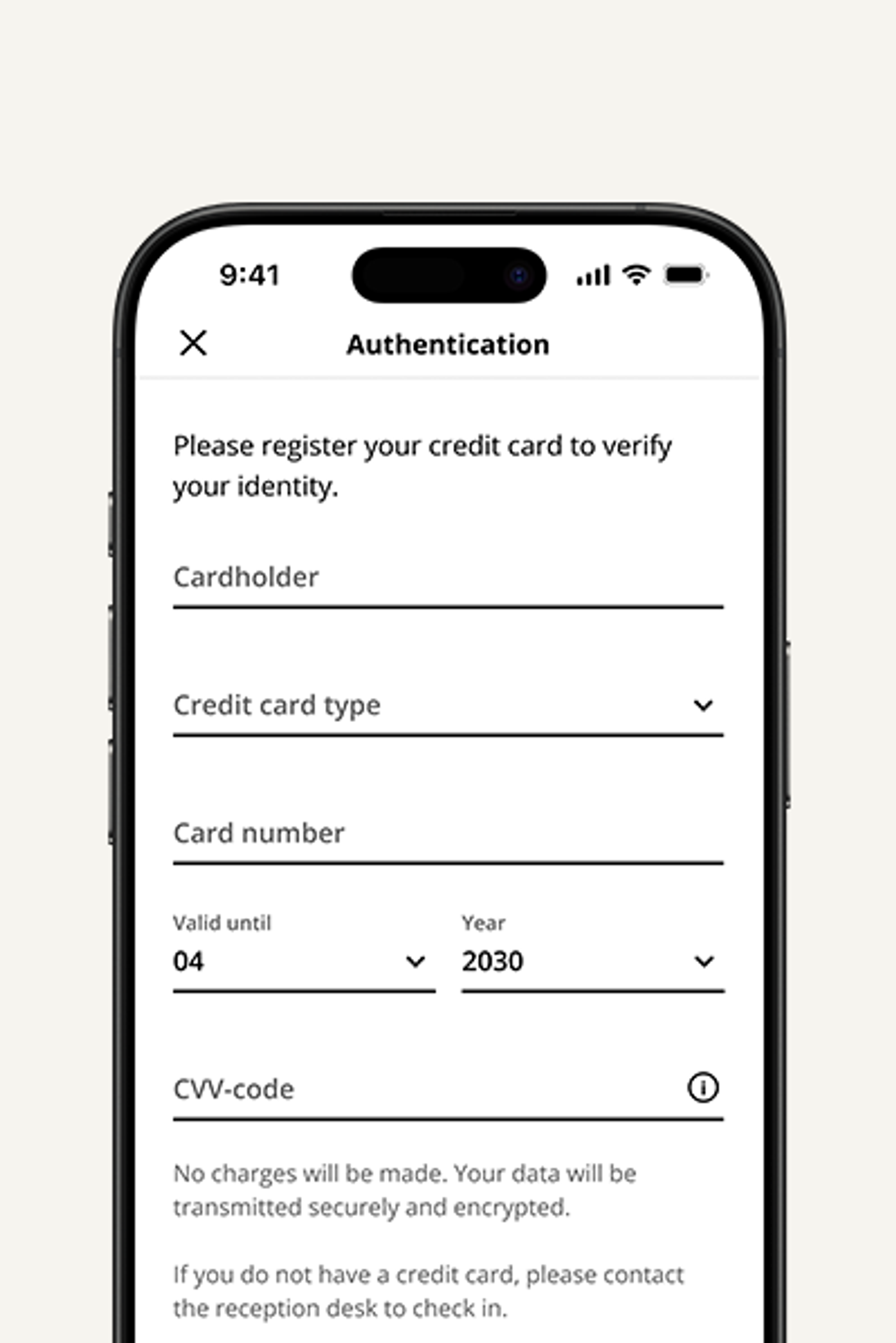
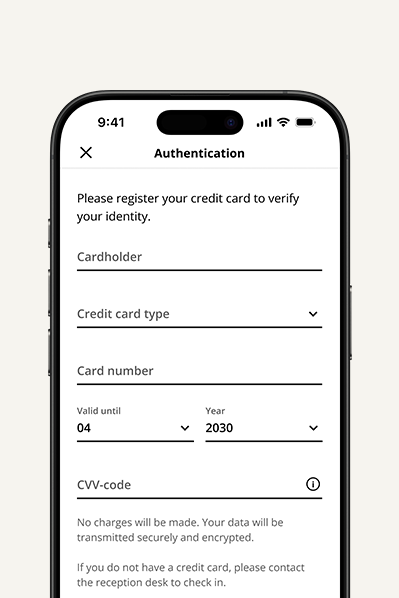
4) Confirm your identity
Your identity will be verified securely via credit card. All data is transmitted in encrypted form. If your stay has already been paid for, no charge will be made. Otherwise, the outstanding amount will be charged to your credit card.
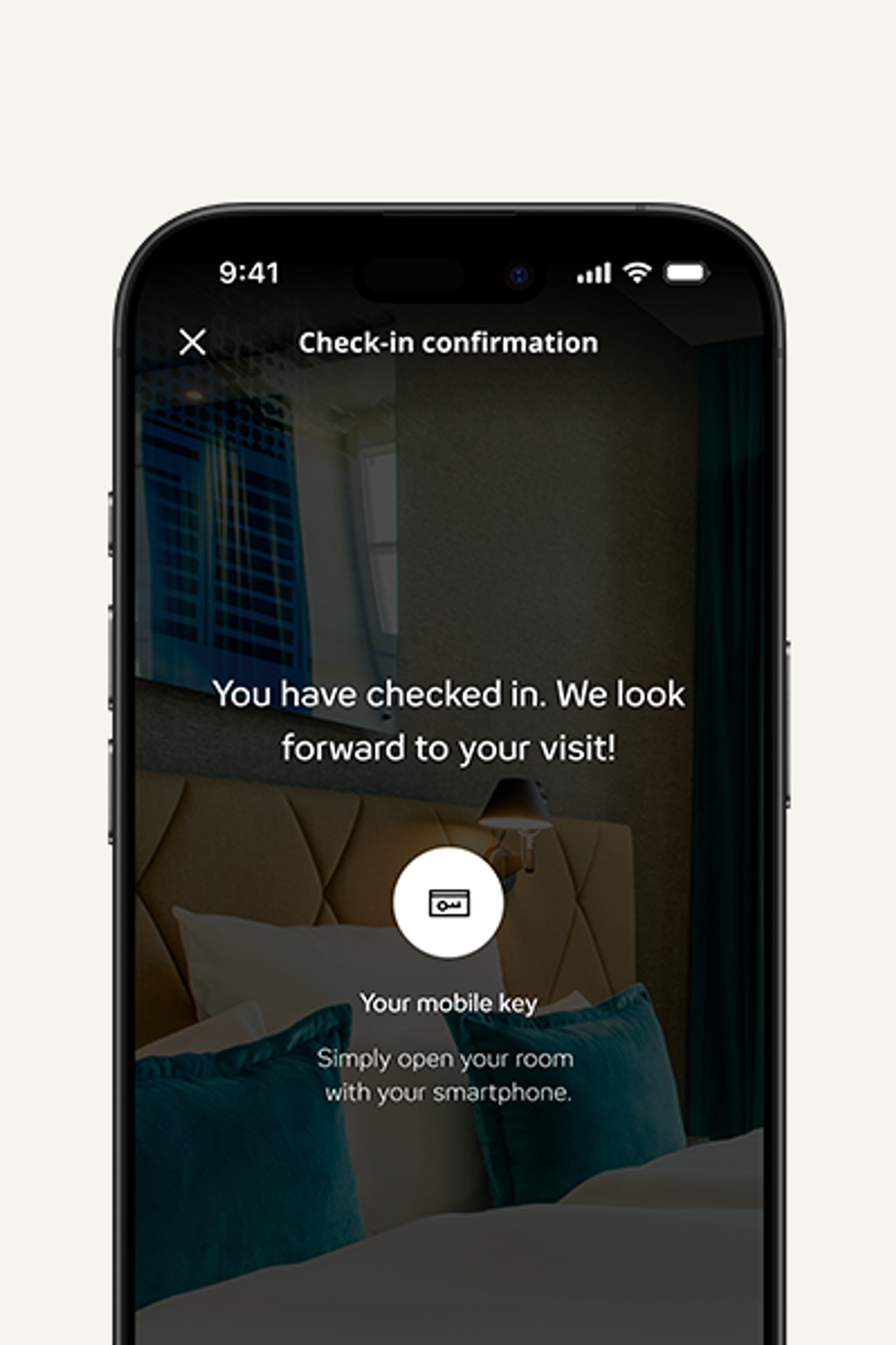
5) Check-in successful
You can collect your room key from reception or use it as a mobile key directly in the app.
How the Mobile Key works
1) Open the app
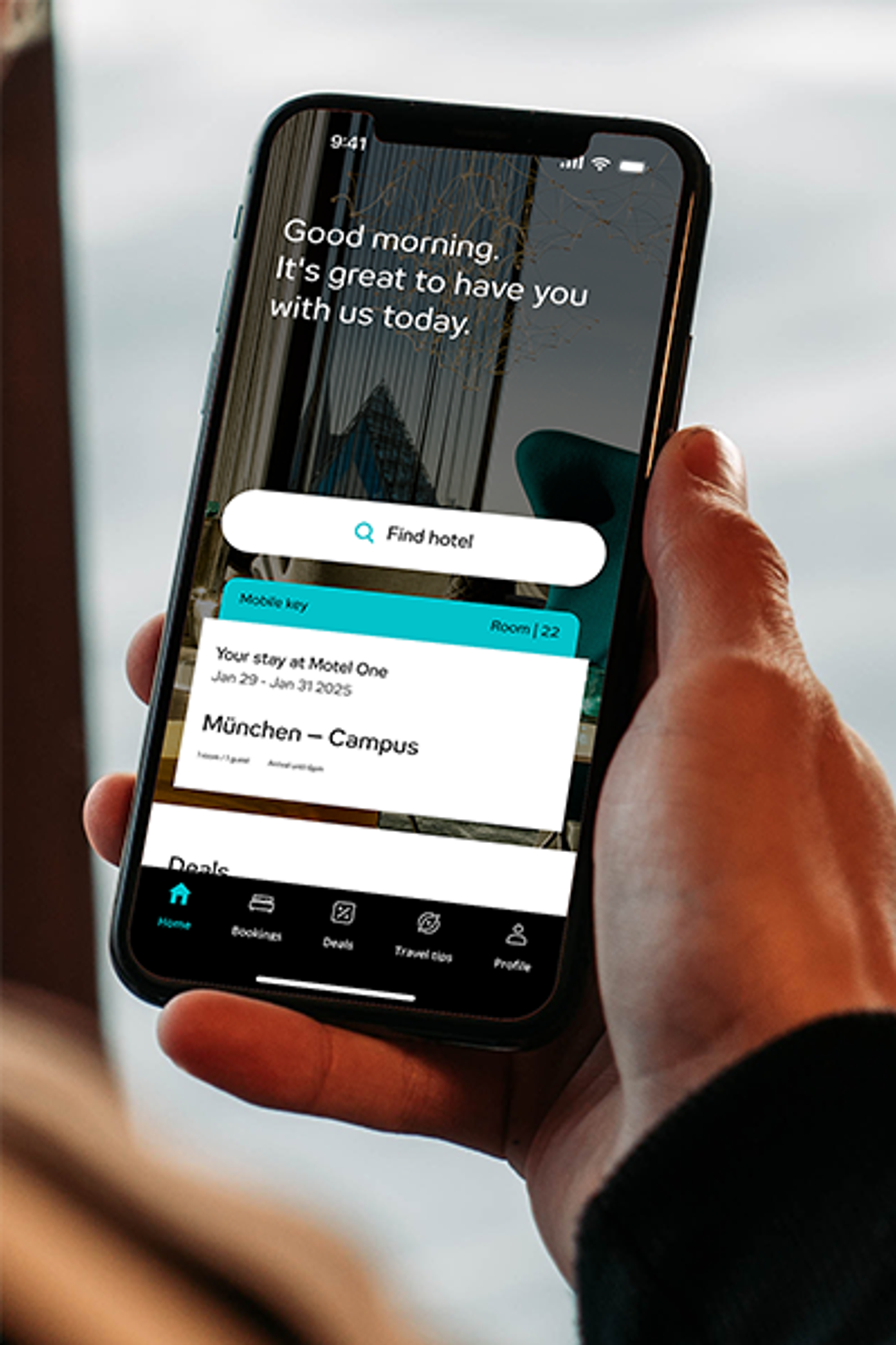
Once you have successfully completed Quick Check-in, the Mobile Key will be available in the beOne app from 3 pm on the day of arrival
2) Open the door
Make sure you’ve turned on Bluetooth. Select the Mobile Key in the app and hold your smartphone up to the door lock.
3) Come on in!
The room door unlocks automatically.
You can use any debit card to activate the power.
If you have any further questions about Quick Check-in or Mobile Key, you can find our FAQs here.